YouGooDai
Mobile of the Day

YouGooDai

5.0 FREE
  • Screenshot 1
  • Screenshot 2
  • Screenshot 3
  • Screenshot 4
  • Screenshot 5
  • Screenshot 6
  • Screenshot 7

Description

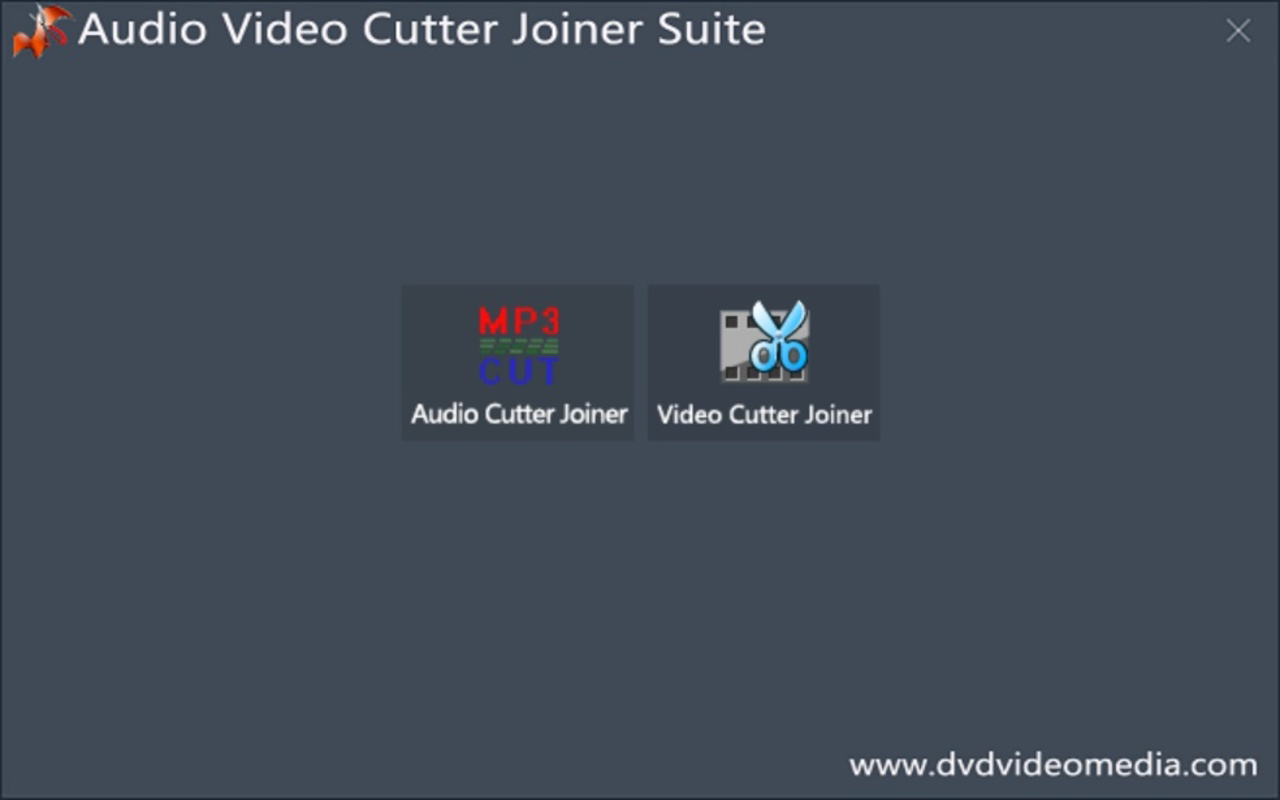
About Audio Video Cutter Joiner SuiteAudio Video Cutter Joiner Suite is a simple multi-format editing program that allows users to quickly and easily edit almost any audio or video file on their system. With a clean, intuitive and easy-to-use interface, Audio Video Cutter Joiner Suite is the perfect tool for users who just want to trim their video or audio files, merge multiple tracks into one, or split documents into any number of parts, without limits and with a single click.Getting started with Audio Video Cutter Joiner Suite is very simple: once the program has started, it will ask you to select whether you are going to edit a video or an audio file. After selecting the desired option, you can export the file either by opening it with the program or by dragging it directly to the main window. After a few seconds, a preview of the file in question will appear on the screen and you will be able to use the mouse to select the section of the track you want to delete, after which you will only have to click on 'cut' for the editing to be applied completely automatically.Admittedly, Audio Video Cutter Joiner Suite is very limited in other editing aspects, but it more than delivers what it promises.Reviewed by Thomas P. LarsonShow MoreShow Less

Guides & Tutorials for Audio Video Cutter Joiner Suite

How to install Audio Video Cutter Joiner Suite
  1. Click the Preview / Download button above.
  2. Once redirected, accept the terms and click Install.
  3. Wait for the Audio Video Cutter Joiner Suite download to finish on your device.
How to use Audio Video Cutter Joiner Suite

This software is primarily used for its core features described above. Open the app after installation to explore its capabilities.

User Reviews for Audio Video Cutter Joiner Suite 0

    No reviews found

Similar Apps
